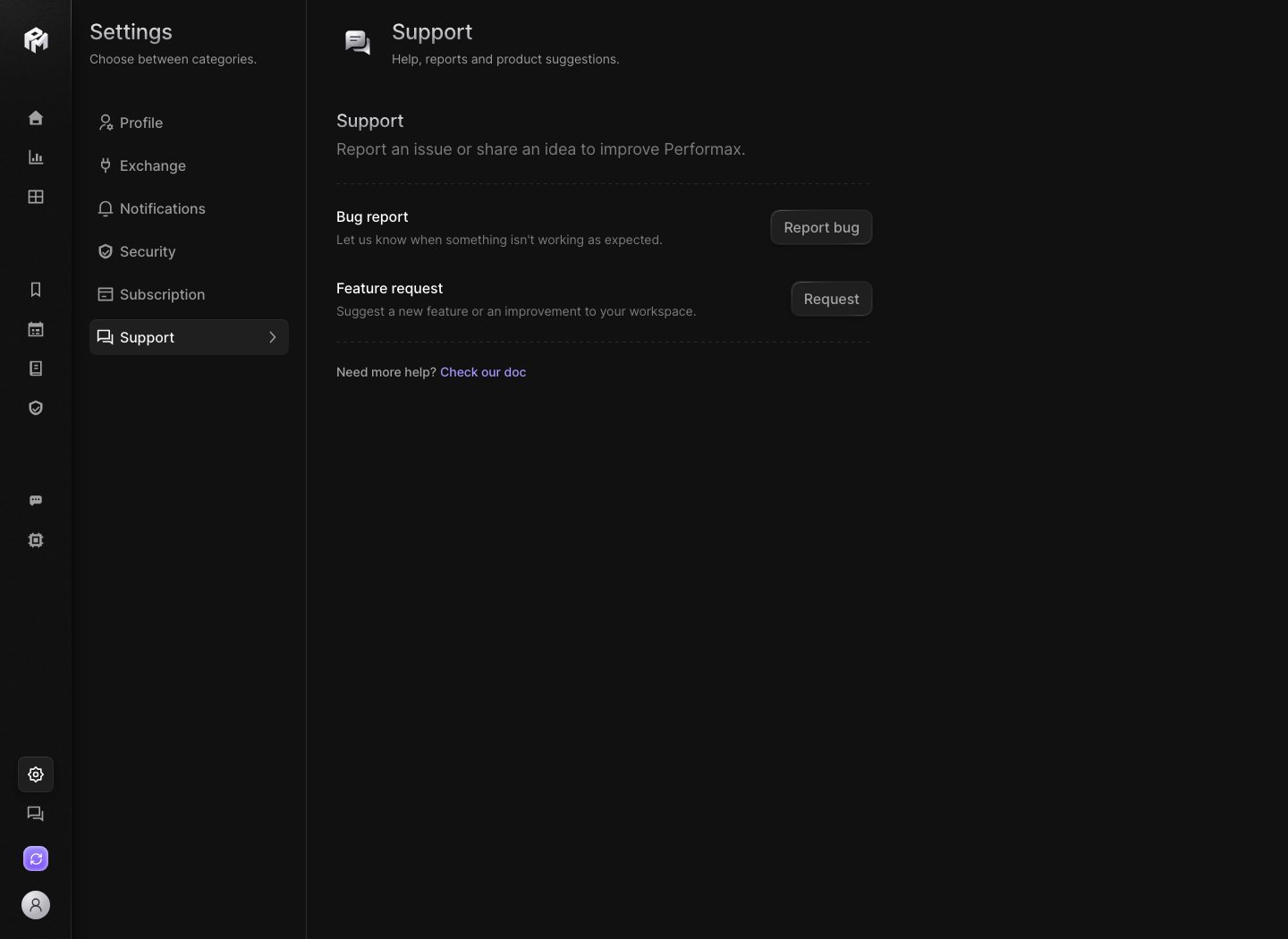
Use Settings → Support to report an issue or share an idea to improve Performax. Performax demo Support settings showing the Bug report and Feature request rows and the link to the documentation

Forms

Need more help? Check our doc at the bottom of the tab opens this documentation.

Categories

Bug report:
  • Display issue
  • Exchange connection or sync
  • Incorrect data or calculation
  • Slowness or crash
  • Account or access issue
  • Other bug
Feature request:
  • New feature
  • Improve an existing feature
  • New exchange or integration
  • Customization option
  • Other request

Send a report

  1. Click Report bug or Request.
  2. Pick a Category.
  3. Enter your Email.
  4. Write a Description of 10 to 400 characters. A counter shows how many you have used.
  5. Click Send.
All three fields are required. Report sent confirms that the team received it. The report also includes the page you were on and your browser details, to help reproduce the issue. You can send up to 10 reports per day. Past that, the app asks you to try again tomorrow. Reporting is disabled in the demo.

What to include

Describe what happened, what you expected, and where in the app. If a sync, a notification or a number looks wrong, add the account label, the exchange, the exact error text and the approximate time. Never send API keys, secrets, passphrases, passwords, 2FA codes or wallet seed phrases. Support never needs them.