

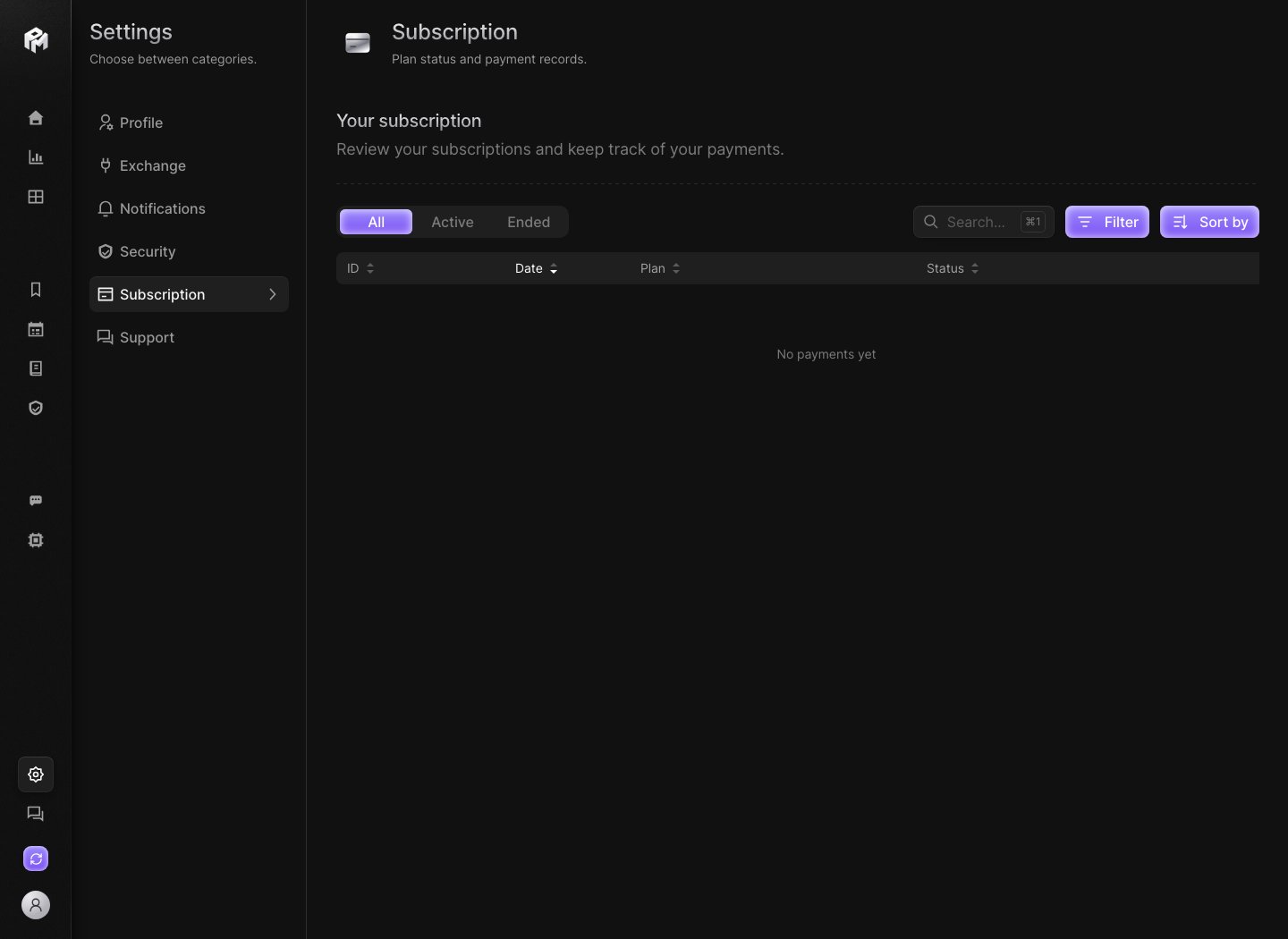
Payment history
Under Your subscription, a table lists each subscription record with four columns:
When there is nothing to show yet, the table reads No payments yet. If the history cannot load, reload the page.
The tab is a history only: it has no controls to change your plan.
Filter, search and sort
- All, Active and Ended filter the list by status.
- Search… matches the ID, date, plan or status. Press
⌘1(Ctrl+1on Windows) to jump to it. - Filter opens Filter payments, where you combine a Status and a Plan. Click Apply filters, or Clear all to reset.
- Sort by opens Sort payments: Newest first (default), Oldest first, ID, plan or status in either order. Click Apply sort, or Reset to go back to newest first.
- Click a column header to sort by that column; click again to reverse the order.