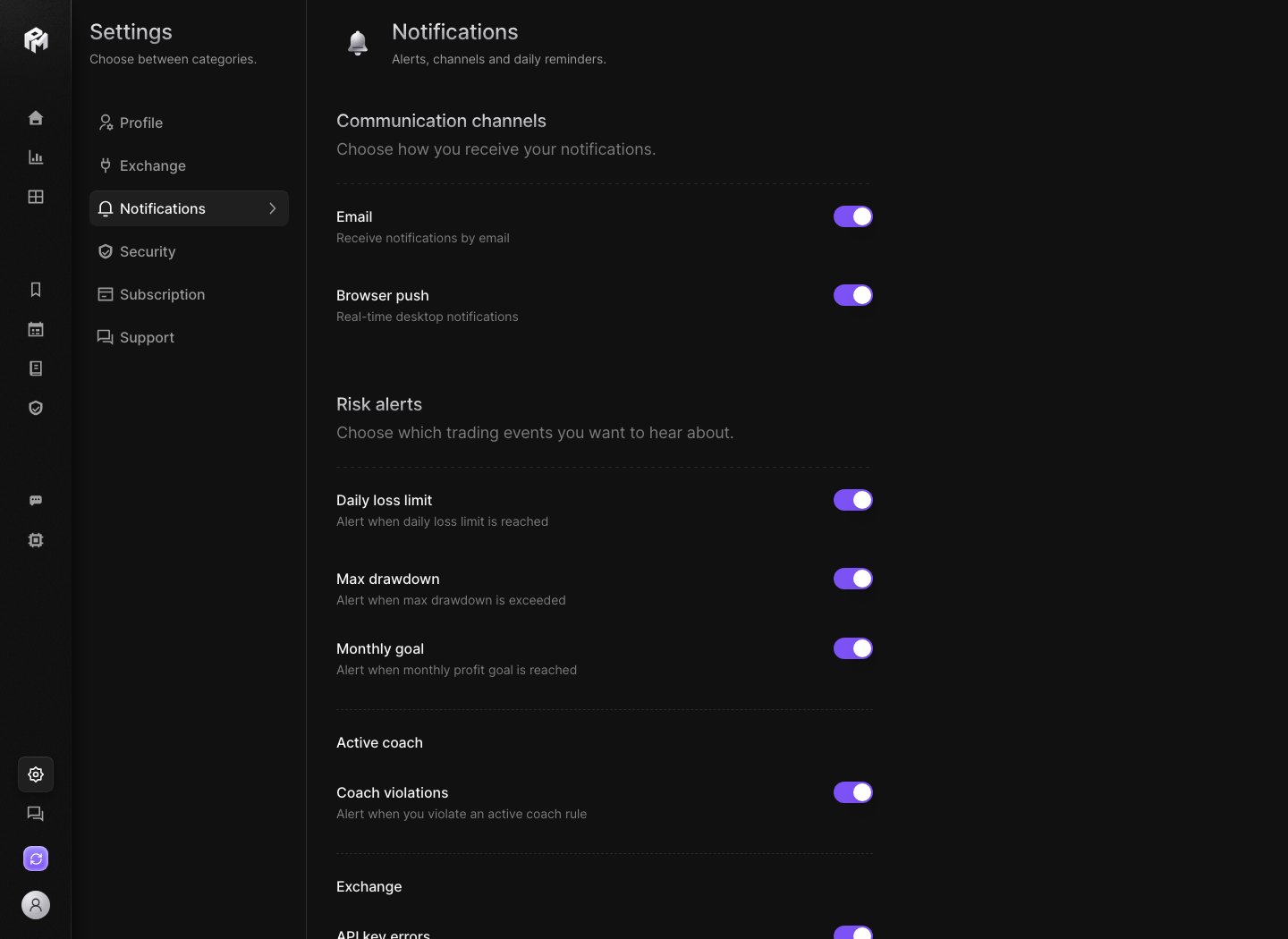
Use Settings → Notifications to choose your notification channels and the risk alerts you want to receive. Performax demo Notifications settings showing the Email and Browser push channels and the risk alert toggles Each toggle saves as soon as you flip it and confirms with Notification updated. If the server cannot save the change, the toggle switches back and an error tells you so.

Communication channels

Every alert is also kept in the notification center. With Browser push off, alerts still land there without popping up. With both channels off, risk and coach alerts are not sent at all.

Risk alerts

Choose which trading events you want to hear about. The thresholds come from your Trading profile. Every trigger is based on your configured settings and available data. It is not a recommendation to trade or stop trading.

Active coach

Coach violations alerts you when you break an active coach rule. See Coach.

Exchange

API key errors notifies you when your exchange API keys fail. Fix the key in Settings → Exchange.

Behavioral protection

Tilt protection popup is the full-screen popup that interrupts you when a tilt or loss-chasing pattern is detected. It does not depend on your channels. Turn it off if it interrupts you too often. Looking for a daily reminder? The Daily mental check popup is set in Profile.