

How it works
The Coach evaluates rules at three timing points:
Each violation is logged with a severity (
info, warning, critical) and counts against your daily compliance score.
Rules
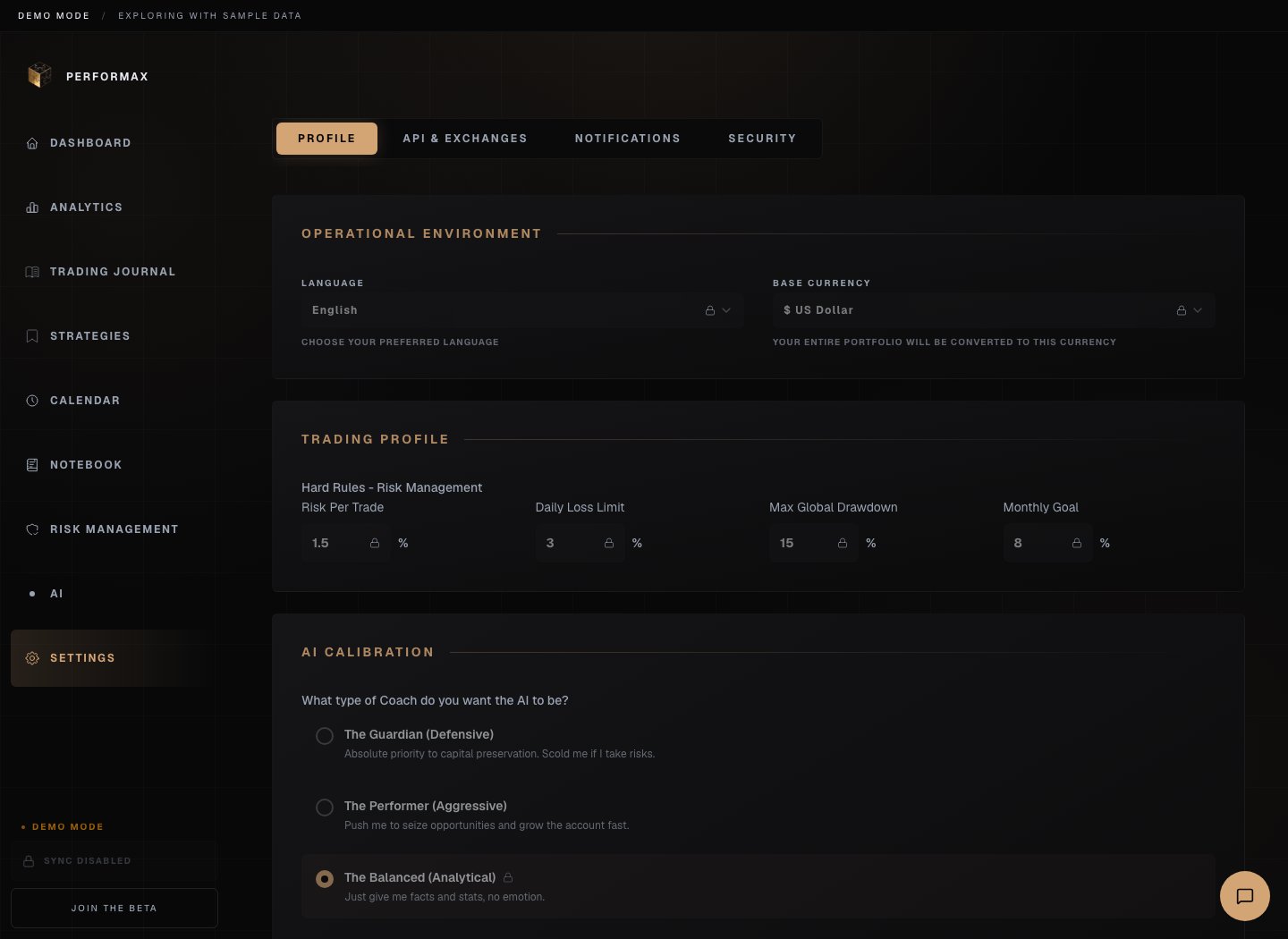
You can enable any subset of the built-in rule library and edit each threshold.Risk
- Maximum Daily Loss (default 3%), critical alert when your day’s cumulative loss crosses the threshold.
Execution
- Maximum Trades Per Day (default 5), caps the number of new entries per day.
- Strategy Required, every trade must be linked to a Strategy.
Psychology
- No Revenge Trading (default 15 min), minimum cooldown between a losing trade and the next entry.
Compliance score
Every active rule contributes to a daily score (0-100). The score is based on:- rules respected during the day;
- violation severity;
- streak bonuses.
- Today’s score, current compliance for the active session.
- Week average, rolling 7-day score.
- Streak, number of consecutive days without a critical violation.
Violations
When a rule fires, the violation appears in three places:- Toast notification, instant feedback in the app. Email and browser notifications follow your Preferences.
- Coach panel, full list of today’s violations, with the rule, severity, and the trade that triggered it.
- Journal entry, the related trade is tagged with the violation so you can review it later.
Autopsy
Autopsy estimates the P&L difference between recorded trades and rule-following scenarios. It replays your trade history, estimates the cost of each violation, and shows the counterfactual P&L. It is in the Coach section and refreshes nightly.7-day challenges
A 7-Day Challenge tracks one rule for one week. The Coach records the streak day by day and shows pass/fail at the end.Notifications
Coach events feed into your notification settings:- Coach violations, toggle in Settings → Preferences to receive alerts by email or browser notification.
- API key errors during sync are not Coach events, they live in the same notification panel but come from the sync engine, not the rule engine.