

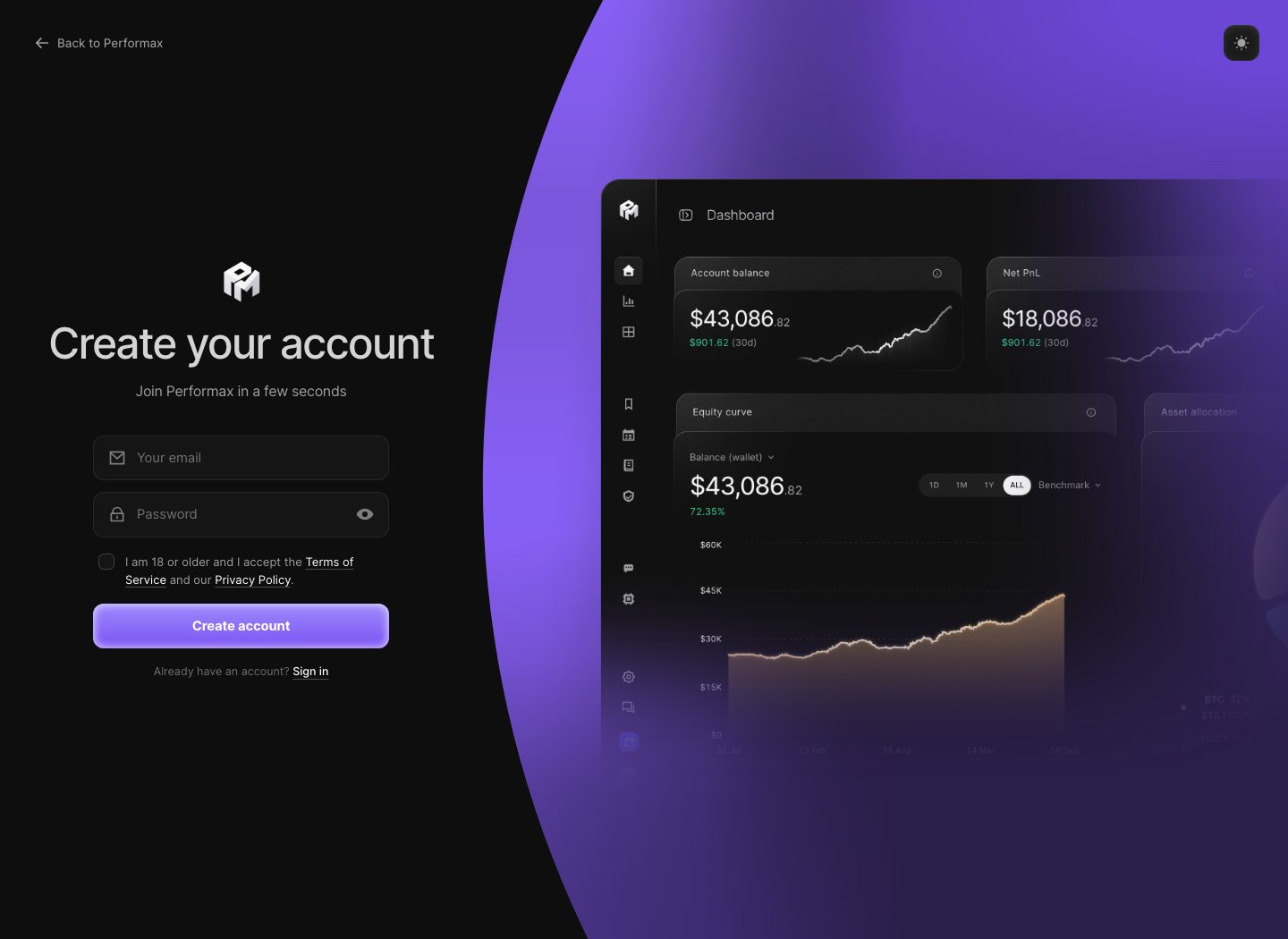
Sign up with email
- Open performax.ai/register.
- Enter your Invite code (format
PFX-XXXX-XXXX). - Enter Your email.
- Choose a Password with at least 8 characters, 1 uppercase letter and 1 number.
- Tick I am 18 or older and I accept the Terms of Service and our Privacy Policy.
- Click Create account.
- Open the confirmation email from Performax and click Confirm my email.
Sign in with Google
Google is not offered on the signup page during the closed beta, because a Google signup cannot carry an invite code. Continue with Google stays available on the sign-in page for accounts that already use Google.Onboarding
After the first sign-in, Performax walks you through five steps. Continue stays disabled until each value is set above 0 or each choice is picked.
The exchange step is optional: click Finish without exchange and add it later from Settings → Exchange. Everything else stays editable in Settings → Profile.
Day-one state
After signup, expect:- Dashboard to show empty states until an exchange is connected.
- Journal to stay empty until first sync imports trades.
- AI features to have limited context until trade history exists.
- Risk and Analytics metrics to require trades, balances, cashflows, and risk settings.